
Turn Markdown into a PDF or a Word document, right from Finder
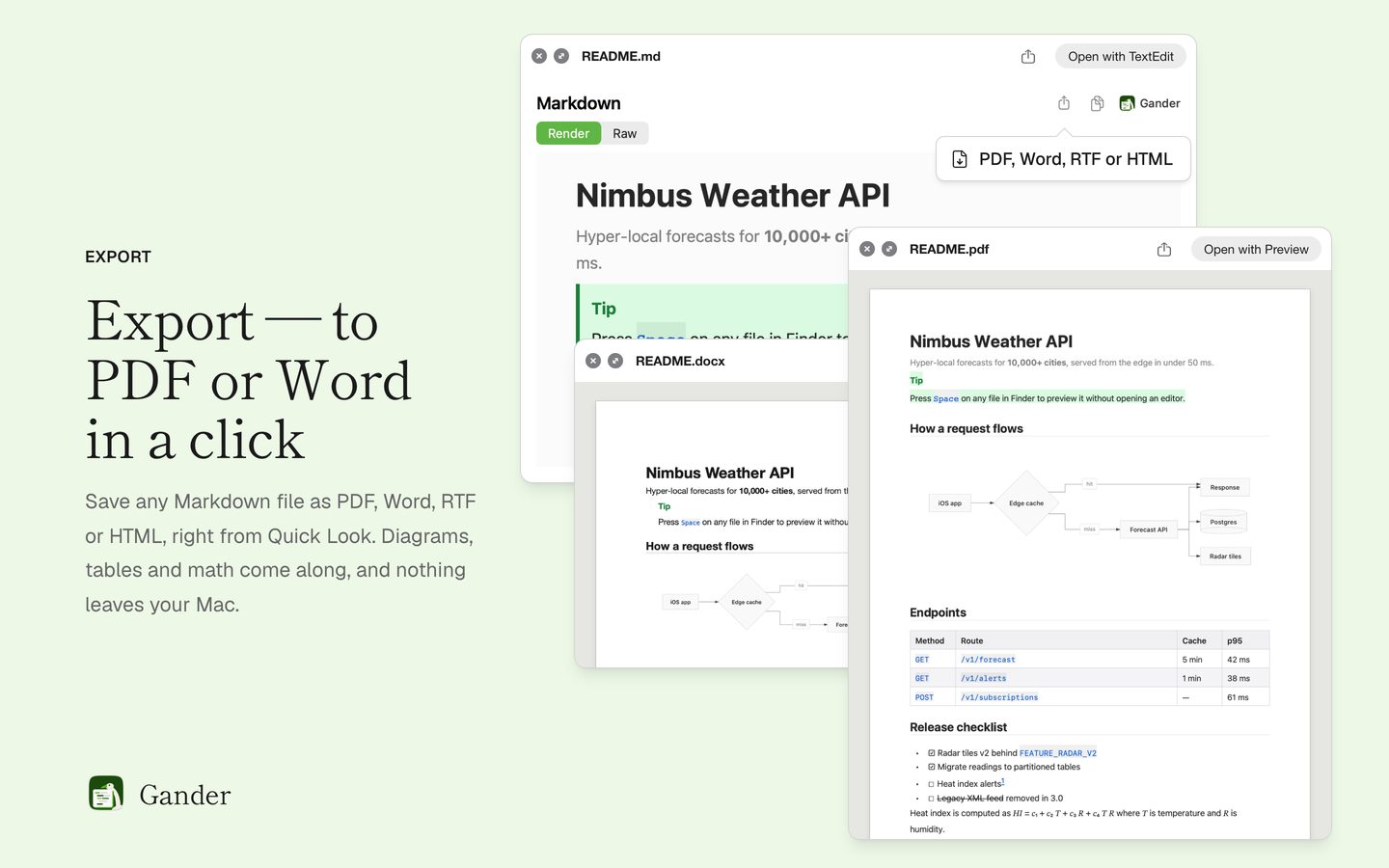
Press Space on a Markdown file, then Export: Gander saves it as a PDF, a Word document, RTF or a single HTML file, laid out like the preview. No Pandoc, no LaTeX, no website to upload to, and export is free.
How to do it
Select the Markdown file in Finder and press Space.
Click Export, next to the copy button.
Choose the format (PDF, Word, RTF or HTML), the paper size (A4 or US Letter) and page numbers.
Choose where to save. The file is written on your Mac.
What each format gives you
Every format keeps the diagrams, tables, math and footnotes.
- PDF: vector diagrams that stay sharp when zoomed, bookmarks from your headings, working links and page numbers
- Word (.docx): real headings, lists, tables and footnotes, so Word’s navigation pane and table of contents work
- RTF: formatted text, tables and pictures for TextEdit, Pages or Word
- HTML: one self-contained file with the diagrams and pictures inside, safe to share
From the Gander window or Shortcuts
Control-click a Markdown file and choose Open With › Gander to read the whole document in a window that reloads as you edit, then choose File › Export (⌘E for PDF). Shortcuts has an Export Markdown action, so a shortcut used as a Finder Quick Action can export several files at once.
Offline and private
Export runs entirely on your Mac. Pictures stored next to the document are included (Gander asks once for access to their folder); images on the web are never downloaded, so exporting a document never contacts a server.
Questions
Do I need Pandoc or LaTeX?
No. Gander writes PDF, Word, RTF and HTML itself, with Apple’s frameworks. Nothing else needs to be installed.
Are Mermaid diagrams and math kept?
Yes. Diagrams become vector drawings in PDF and HTML and pictures in Word and RTF, and math and footnotes come along in every format.
Does export cost extra?
No. Export is free, like the rest of Gander. There’s no in-app purchase and no subscription.
Can I export many files at once?
Yes, with the Export Markdown action in Shortcuts: a shortcut that receives files from Finder can export each of them.
Try it on your own files
Gander is free on the Mac App Store, with no in-app purchases, no subscription and no account, and nothing you preview leaves your Mac.