
View Mermaid diagrams on your Mac without a browser
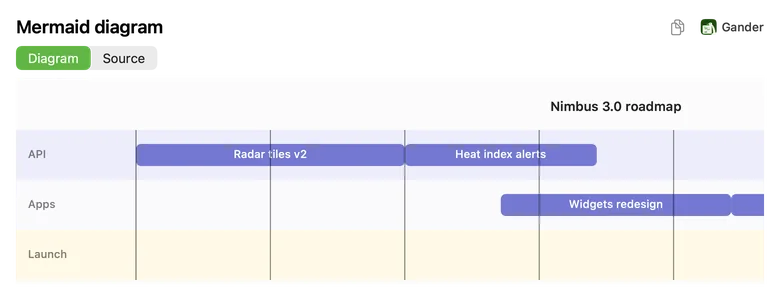
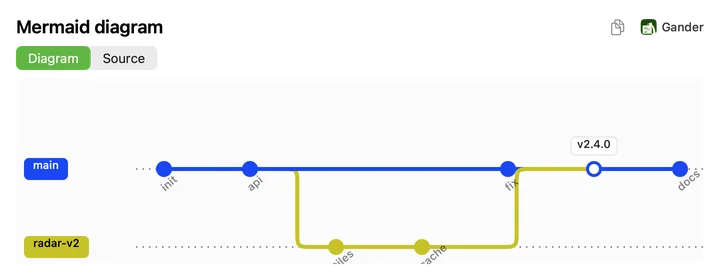
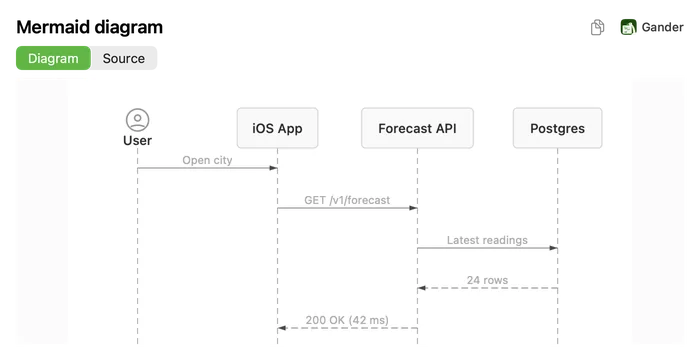
A Mermaid file is only text until something draws it. Gander draws it right in Quick Look: select a .mmd file in Finder, press Space, and the diagram appears, with the source one click away. Mermaid blocks inside Markdown files are drawn too.
How to do it
Install Gander from the Mac App Store and open it once.
Select a
.mmdor.mermaidfile in Finder and press Space.Switch between Diagram and Source. The copy button copies a picture of the diagram, or the source text.
The diagrams developers use
Gander draws these Mermaid diagram types:
- Flowcharts, sequence, class, state and entity-relationship diagrams
- Gantt charts, timelines and user journeys
- Git graphs, mindmaps, pie charts, quadrant charts and XY charts
- C4 and requirement diagrams
Inside Markdown too
In a README, a fenced code block marked mermaid is drawn as a diagram inside the rendered page. When you export the Markdown to PDF, the diagram comes along as a vector drawing that stays sharp at any zoom.
Drawn on your Mac
Diagrams are drawn natively, with no browser, no web service and no internet connection, so they work offline and nothing about your architecture leaves your Mac. In Finder’s icon and gallery views, Mermaid files get a thumbnail of their source.
Questions
Which files does Gander open as Mermaid?
.mmd and .mermaid files. In Markdown files, a fenced code block marked mermaid is drawn as a diagram.
Do I need Node.js or the Mermaid CLI?
No. Gander draws the diagrams itself, and nothing else needs to be installed.
Can I still read the Mermaid source?
Yes. The Source tab shows the file as written, with line numbers when you want them.
Try it on your own files
Gander is free on the Mac App Store, with no in-app purchases, no subscription and no account, and nothing you preview leaves your Mac.